
On the TV open Google Play, search for Dod Play Gold and select Install.
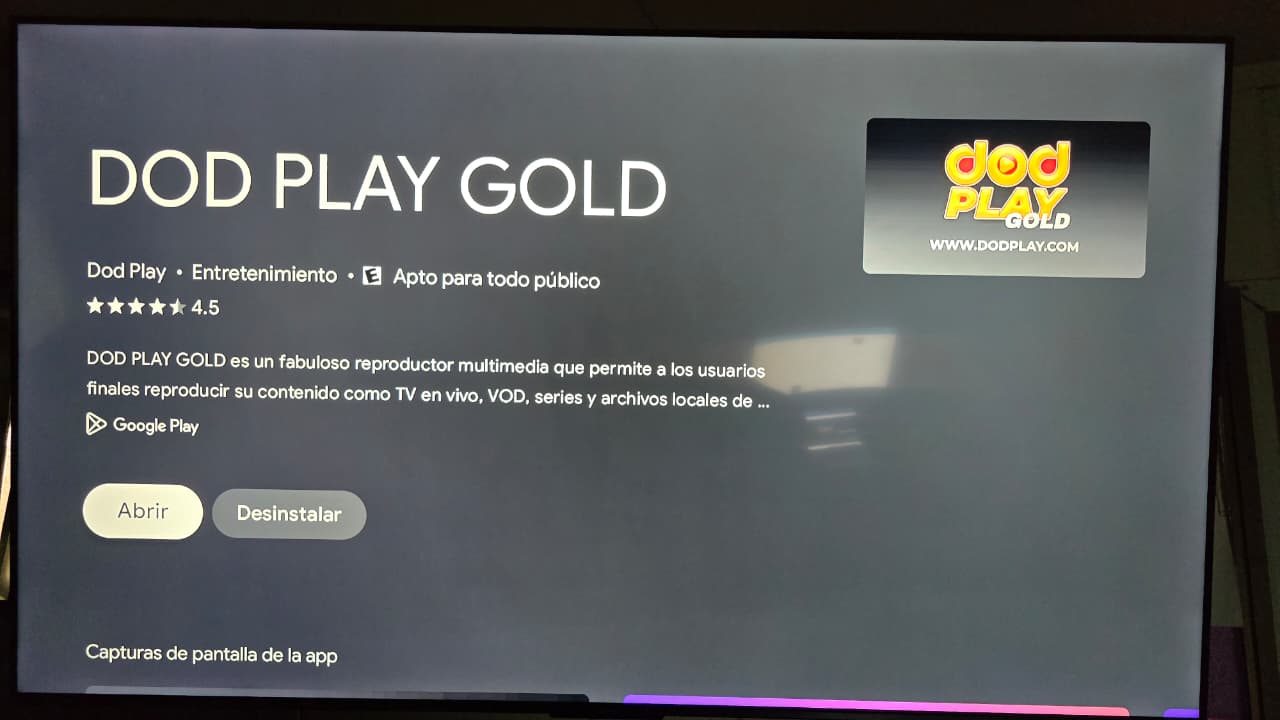
When it’s done, select Open.
Open the app. In the Any name box you can type DODPLAY.
Enter the username and password we sent you. They must match exactly, with upper and lower case.
When everything is filled in, press ENTER.
From your phone or computer connected to the same internet as the TV, open our Speedtest and tap GO. Use the Gold Data · Miami server.
Did the test and everything looks good but it still fails? Send us a screenshot of the result on WhatsApp and we’ll check it.
If your account expires, channels stop loading. Message us on WhatsApp to renew: you sign in with the same username and password.
Check that the username and password are typed correctly, with upper and lower case.
You can get one in Packages or ask for a demo on WhatsApp.
Test your internet at our Speedtest. We recommend 25 Mbps or more download, ping under 100 ms and jitter under 10 ms.
We’ll guide you on WhatsApp.